
How to Choose Safe Tech Gadgets: A 2026 Guide
Table of Contents
- Why Safe Tech Gadgets Matter More Than Ever
- Step 1: Verify Safety Certifications and Build Quality
- Step 2: How to Check for Data Privacy in Tech Gadgets
- Step 3: Evaluate Parental Controls, Screen Time, and Age-Appropriateness
- Smart Home Device Security Best Practices
- Step 4: Check Subscription Costs, Software Support, and Repairability
- Step 5: Spot Red Flags When Buying Safe Tech Gadgets Online
- Frequently Asked Questions
Last Updated: September 1, 2026
Why Safe Tech Gadgets Matter More Than Ever
Most people buying tech gadgets prioritize features and price over security, a costly mistake. According to Parks Associates consumer security research via Market.us Scoop, 72% of consumers express concern about the security of data collected by smart devices, and 49% have already experienced a data security or privacy issue.
Knowing how to choose safe tech gadgets is essential in 2026. At Tech Sphere and More, we've tracked these concerns closely, and the gap between a safe device and a dangerous one often isn't visible in product listings.
Below is a five-step framework for evaluating any tech gadget before purchase, covering certifications, data privacy, parental controls, subscription transparency, and red flags that separate legitimate products from risky ones.
"Consumers worry about the potential hacking of these devices, risking privacy invasion, data theft, and even physical harm. From smart home appliances to wearables, vulnerabilities exist, demanding strong security measures. Breaches can compromise sensitive information, leading to financial loss or identity theft." -- Mark N. Vena, President and Principal Analyst at SmartTech Research (TechNewsWorld, 2024)
Safety is a layered evaluation across hardware, software, privacy practices, and vendor behavior, not a single checkbox.
| Evaluation Area | What to Check | Why It Matters |
|---|---|---|
| Safety certifications | FCC, UL, MFi labels | Confirms hardware meets tested standards |
| Data privacy | App permissions, encryption | Prevents unauthorized data collection |
| Parental controls | Content filtering, screen time | Protects younger users from harmful content |
| Software support | End-of-life dates, update frequency | Ensures ongoing security patches |
| Subscription costs | Hidden fees, auto-renewals | Avoids unexpected long-term expenses |
Step 1: Verify Safety Certifications and Build Quality
Certifications signal that a product has been independently tested. Skipping this step means trusting only the manufacturer's marketing.
What Certifications to Look For
FCC certification is baseline for any wireless device sold in the United States, confirming radio frequency emission standards. For charging accessories, look for UL listing, which indicates the product passed electrical safety testing.
Apple accessory buyers should seek MFi (Made for iPhone/iPad/iPod) certification. The CHOETECH 2m USB-C to Lightning MFi Certified Cable available at Tech Sphere and More carries this certification, ensuring safe charging and data transfer. Uncertified cables can damage battery health or cause overheating.

For children's products, check for ASTM F963 compliance. For smart home devices, Energy Star certification signals both efficiency and third-party testing engagement.
Durability, Ergonomics, and Hardware-Level Privacy
Build quality is a safety factor. Devices with poor construction fail faster, compromising internal electronics. TPE-jacketed cables resist fraying better than standard PVC; the CHOETECH cable uses TPE construction for this reason.
Hardware-level privacy is often overlooked. Some devices include physical camera shutters or microphone switches that disconnect hardware at the component level, not just through software. If privacy is a priority, look explicitly for these hardware controls before purchasing.
Step 2: How to Check for Data Privacy in Tech Gadgets
Checking data privacy means reviewing what data a device collects, where it sends that data, and whether you can control or delete it.
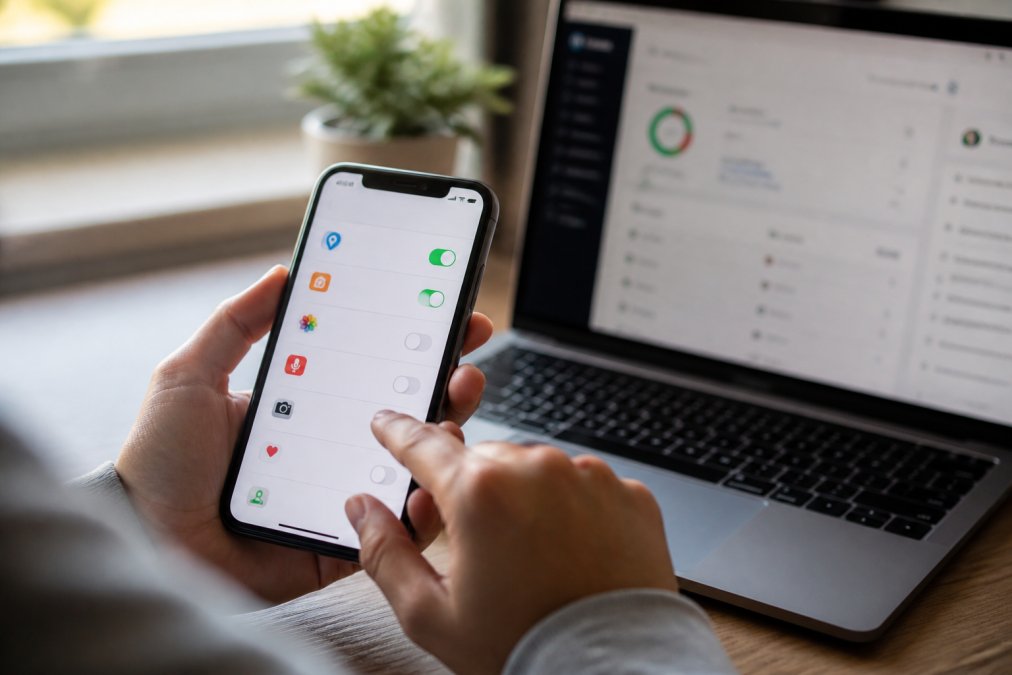
Research from Northeastern University's IoT privacy study found that 93 IoT devices tested shared location and identifying information within local networks, allowing online trackers to identify users even when privacy settings were enabled. Your phone's privacy settings don't necessarily protect you from other devices on your network.
App Permissions and Digital Footprint
Before connecting any gadget, check what app permissions it requests. A flashlight app asking for microphone access is a red flag. Deny permissions unnecessary for core functionality.
Minimize your digital footprint by:
- Reviewing permissions during initial setup
- Disabling location access for devices that don't require it
- Opting out of data sharing programs in device settings
- Regularly auditing connected apps through your phone's app management screen
Encryption, Cloud Storage, and Two-Factor Authentication
Encryption is non-negotiable for devices storing or transmitting personal data. Check product specs for AES-256 encryption or TLS for data in transit. Absent information is itself informative.
Cloud storage adds convenience but also risk. Understand where data is stored, what jurisdiction governs it, and whether you can export or delete it on demand.
Two-factor authentication should be enabled on every account associated with a connected device. A device with strong encryption can still be compromised if the account protecting it lacks 2FA.
Step 3: Evaluate Parental Controls, Screen Time, and Age-Appropriateness
Parents often assume devices marketed to children are safe. Age-appropriate marketing and genuine safety features are not the same.
Safe tech for younger users needs real parental controls: the ability to restrict access, filter content, monitor activity, and set time limits. Verify these features before purchase.
Content Filtering and Restricted Access
Content filtering should operate at the DNS or network level, not just through an app a child can uninstall. Look for devices supporting DNS-based filtering services.
Restricted access features should include app whitelisting, purchase approval requirements, screen time limits, and activity logs.
For educational apps, verify COPPA (Children's Online Privacy Protection Act) compliance. COPPA governs data collection from children under 13, limiting collection and requiring parental consent.
Neurodivergent-Friendly Tech and Interface Design
Neurodivergent-friendly tech prioritizes predictable interfaces, reduced sensory overload, and customizable display settings. Look for high-contrast modes, adjustable text sizes, disabled notification sounds, and voice control options.
A clean user interface reduces cognitive load for all users, particularly those with ADHD, autism spectrum conditions, or processing differences.
Smart Home Device Security Best Practices
Smart home device security is often under-managed. Most households set up a device once and never revisit its security configuration.
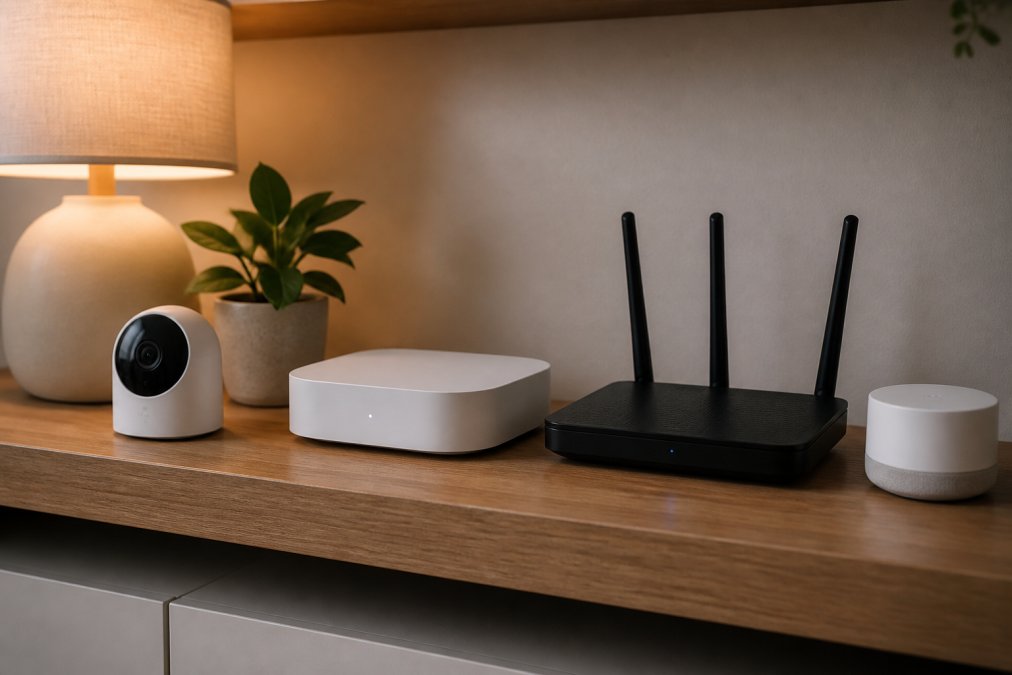
A 2024 survey by CraftJack's smart device security survey found that one in three Americans worries about smart devices being hacked. Whether or not all concerns are technically accurate, they reflect real erosion of trust that better security practices can address.
"While security over this class has improved, the desire and tools to hack into these devices have been increasing, making it ever more critical that security should be one of the considerations when purchasing smart home tech." -- Rob Enderle, President and Principal Analyst at Enderle Group (TechNewsWorld, 2024)
Software Updates, Device Settings, and Activity Logs
Software updates are the single most effective defense against known vulnerabilities. Enable automatic updates on every connected device. If a device doesn't support automatic updates, check manually each month.
Audit device settings at setup:
- Change default admin passwords immediately
- Disable Universal Plug and Play (UPnP) unless actively needed
- Place smart home devices on a separate guest network
- Disable remote access unless specifically required
Activity logs show what a device has been doing. Review them periodically for unusual connection attempts. Most router admin panels show connected devices and traffic as a baseline monitoring tool.
According to FTC report on connected product software support, 89% of connected devices reviewed provided no information about when they would stop receiving software updates. A device without a clear support end-date may stop receiving security patches without warning.
Step 4: Check Subscription Costs, Software Support, and Repairability
The purchase price is only part of the cost equation for connected tech. Before buying any gadget requiring an app or cloud service, answer these questions:
- Does the device work without a paid subscription?
- What features are locked behind subscription tiers?
- What are the billing terms and cancellation conditions?
- What happens to stored data if you cancel?
Software support timelines matter equally. The FTC's 2024 review found that 89% of connected products provided no disclosure about support duration. Ask manufacturers directly or check community forums for when updates stopped arriving.
Repairability is the sustainability angle most coverage ignores. Devices that can't be repaired end up in landfills when a single component fails. Look for accessible battery replacement, available spare parts, and manufacturer repair programs. Repairable devices tend to come from manufacturers investing in long-term support, correlating with better security practices.
Step 5: Spot Red Flags When Buying Safe Tech Gadgets Online
The online marketplace has a counterfeit problem. According to Nerdbot's gadget buying mistakes guide, roughly 50% of accessories sold through third-party online marketplaces are cheap knock-offs. Counterfeit chargers and cables have caused device damage and electrical fires.
Red flags to identify before purchase:
- No certification markings: Legitimate products list FCC, UL, CE, or MFi certifications. Absence is a warning sign.
- Suspiciously low pricing: A wireless charger priced far below comparable certified products is likely uncertified.
- No warranty information: Reputable manufacturers stand behind their products.
- Vague or translated descriptions: Poor grammar and generic feature lists indicate products resold without manufacturer oversight.
- No verifiable reviews: Check review dates and reviewer history. Reviews all posted in the same week suggest review-farming.
- Missing return policy: Know return terms before purchasing.
For accessories, verify originality through certification documentation, not just product images. Counterfeit products often replicate certification logos without underlying compliance.

Buying from retailers that curate their catalog reduces counterfeit risk significantly. Tech Sphere and More sources products with verifiable certifications, including MFi-certified accessories like the CHOETECH USB-C to Lightning cable, because certification status is verified before listing.
Choosing safe tech gadgets in 2026 requires diligence most buyers don't apply. Consequences range from data exposure to physical hazard. Tech Sphere and More curates a catalog of certified, quality-verified tech products, including MFi-certified cables, wireless charging solutions, and accessories built to documented safety standards. Browse the Tech Sphere and More store to find gadgets that have already passed the evaluation criteria outlined in this guide.
Frequently Asked Questions
How can I tell if a tech gadget is secure before buying?
Check for recognized safety certifications such as FCC approval and UL listing. Read the product's privacy policy to confirm it discloses data collection practices. Look for encryption support, two-factor authentication options, and a clear software update schedule. According to an FTC review of 184 connected products, 89% did not disclose when software support would end, so ask that question directly before purchasing any connected device.
What are the risks of buying cheap, unbranded tech gadgets?
Unbranded gadgets often skip security testing, use unencrypted data transmission, and receive no software updates after purchase. Research suggests roughly 50% of accessories on the market are cheap knock-offs that lack proper certifications. These devices can expose your home network to unauthorized access, collect data without disclosure, and fail quickly due to poor build quality. Paying a little more for a verified, certified product protects both your data and your investment.
What security features should I look for in smart home devices?
Prioritize devices that support automatic software updates, offer two-factor authentication, and allow you to review activity logs. Check that the device uses encryption for data transmitted to the cloud. Disable any microphone or camera access the device does not need. According to Parks Associates, 55% of smart home device users worry about hackers gaining access, choosing devices with strong, documented security settings significantly reduces that risk.
How do I protect my privacy when using new tech gadgets?
Start by reviewing all app permissions and disabling any that are not essential to the device's function. Enable two-factor authentication on linked accounts. Regularly check for software updates, since unpatched firmware is one of the most common entry points for attackers. Store as little data in the cloud as possible, and use a separate Wi-Fi network for connected devices to limit their access to your primary devices and files.
This article was written using GrandRanker